 FIELD GUIDE
ALLIED FORCES
ASSAULT & CAPTURE
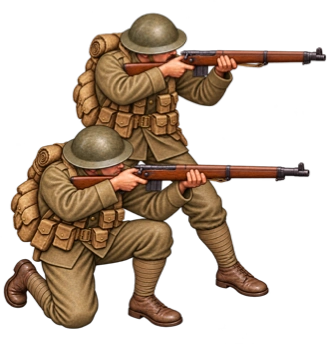
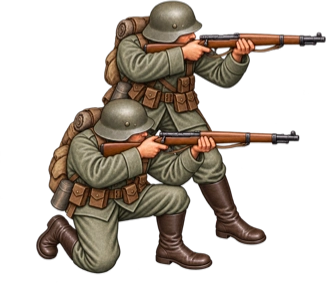
Infantry
The section that takes the ground.
Infantry can move and attack, search with Recon, and occupy objectives. Position them where the next order matters.
- Move + attack
- Recon
- Capture objectives
TURN-BASED TACTICS / IN DEVELOPMENT
Every order changes the front.
Get your Armoured Car into position. Choose its target. When the needle sweeps into red, tap to fire.
 TERRAIN STUDY / HIGH GROUND
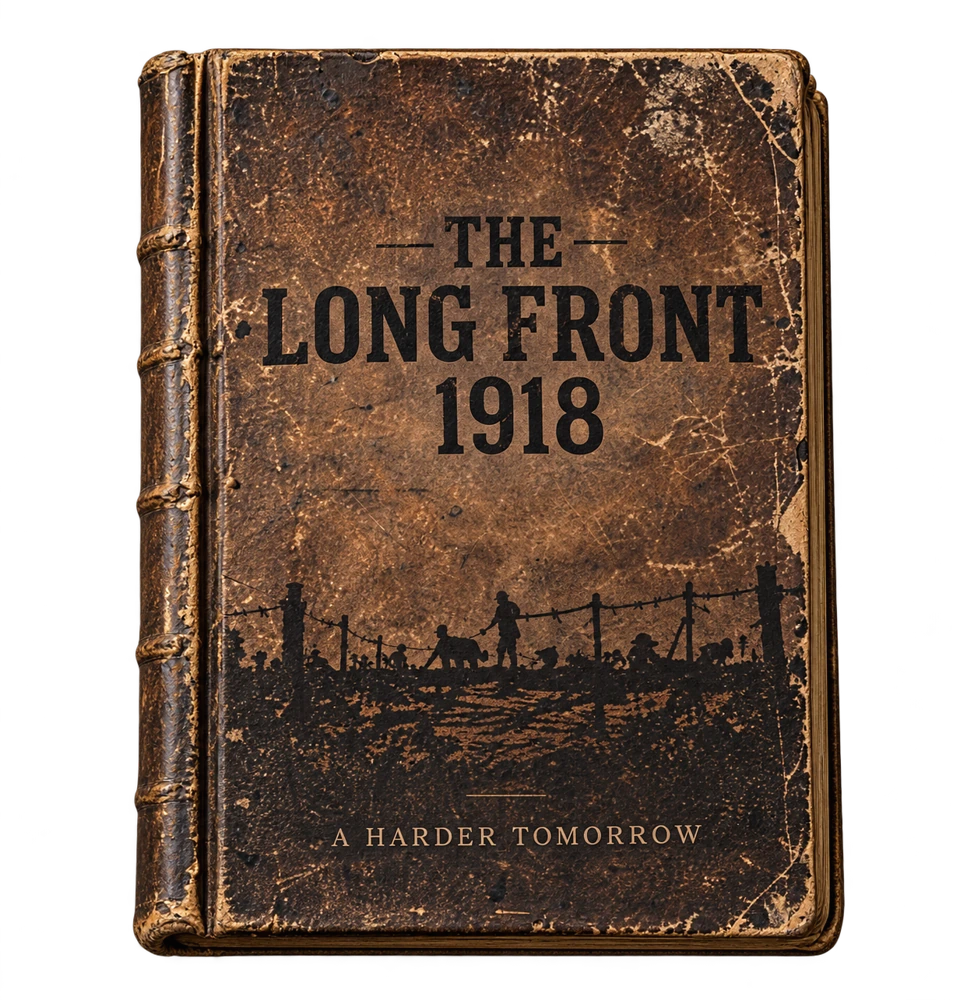
 Your next move starts here.
FIRE CONTROL
Take the Armoured Car’s shot. Tap the brass gauge to start the needle, then tap again as it crosses the red bracket. Listen for the crew’s reaction.
This drill uses the game’s timing. In battle, experience and support can change your firing window.
Regular · Steady red bracket.
Tap the gauge to start, then tap again to fire when the needle reaches red.
TERRAIN ATLAS
Send Infantry through the trees, find a route around the ridge, or follow the water’s edge. Then try the weather map to see how far your Infantry can see and move.
Infantry can take cover among the trees. A Field Gun has to go around.
TACTICAL WEATHER
Your Infantry holds the centre. An enemy patrol is just within sight. Switch to snow, then clear the skies. Both sections hold their ground.
Enemy in sight
Your section can see three tiles. The patrol to the east is right at the edge of sight.
THE BATTLEFIELD / IN-GAME DEVELOPMENT CAPTURES
Advance through trenches and ruins. Find cover. Reconnoitre what you cannot see. Bring the right unit to the right part of the line.
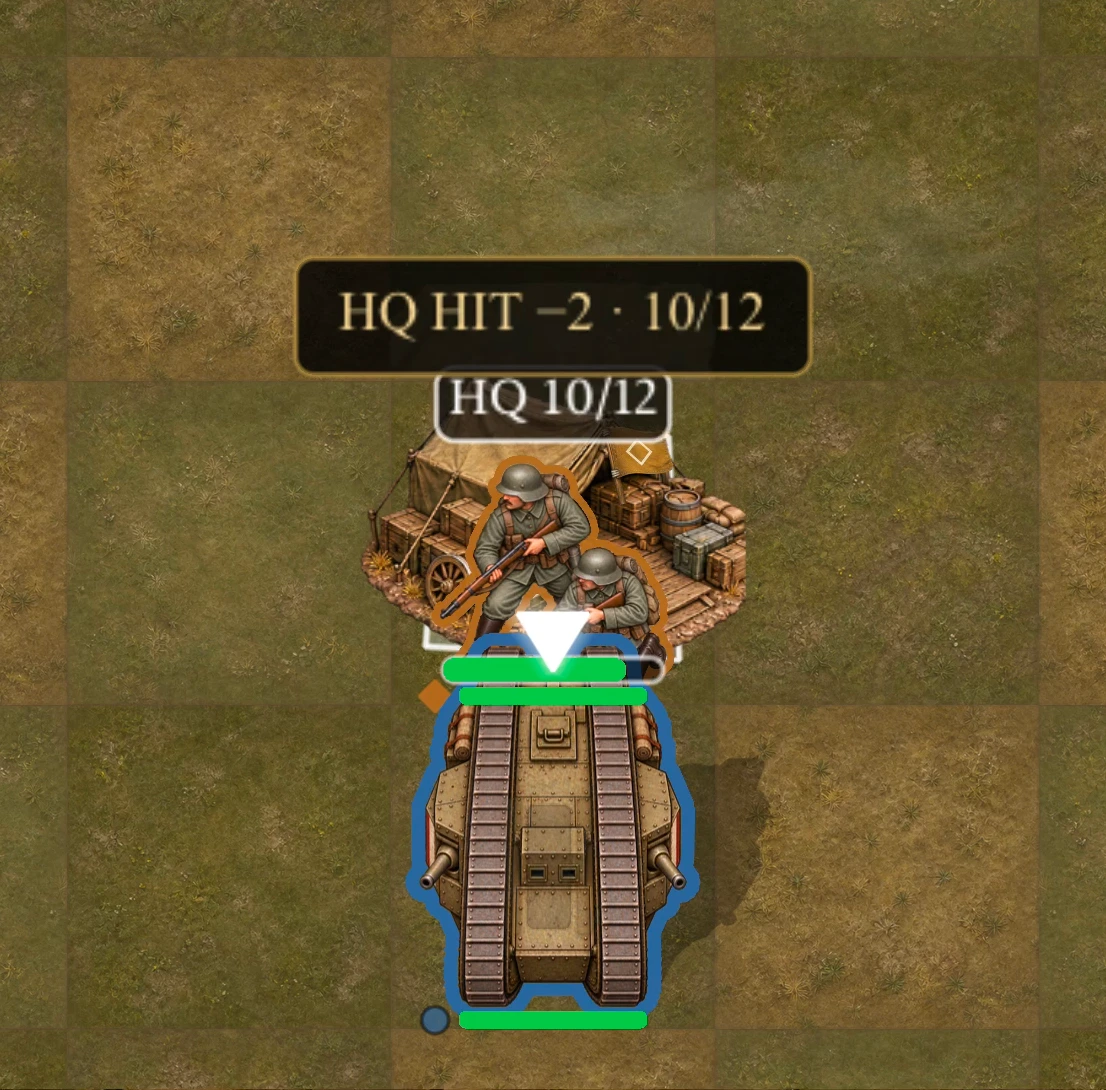
Bring armour to bear on the enemy headquarters. Choose where to commit it.
02 / THE FIELD GUIDE
Ten unit types. Different orders. A force that works together.
FIELD GUIDEASSAULT & CAPTURE
The section that takes the ground.
Infantry can move and attack, search with Recon, and occupy objectives. Position them where the next order matters.
04 / TAKE COMMAND
YOU & THE COMPUTER
Command your force against the computer. Make the decisions. Answer its next move.
ONE PLAYERONE DEVICE, TWO SIDES
Share a device and take turns. Across the table, every order becomes personal.
SHARED DEVICEYOUR FRIEND, THEIR FRONT
Face a friend nearby, each on your own device. Two commanders. One battlefield.
SEPARATE DEVICESBEYOND THE SAME ROOM
Take the front online. Face another commander from afar.
COMING · IN DEVELOPMENTComputer, Pass & Play and Nearby are planned for launch. Online Multiplayer is coming; availability will be announced. Release date and price to be announced.
FROM THE DEVELOPMENT DESK
Explore the details behind the decisions, or get in touch about the game.
Gameplay images.
Game facts. Press contact.